
Local Search
Last updated: February 2026
Local Search is designed for geo-focused discovery. Instead of searching by topic, it finds domains that match location-related terms around a place.
What you're searching
When you search in UpSnatch, you're searching a dataset of domains that are expected to become available within upcoming time windows (for example via expiring auctions, user auctions, drops, closeouts, or similar availability flows depending on the source).
UpSnatch is not a registrar and not a marketplace: you discover and evaluate domains here, and acquire them on the relevant auction/registrar platform.
What is Local Search
Local Search is designed for geo-focused discovery. Instead of searching by topic, it is optimized to find domains that match location-related terms around a place.
For example:
Nearby regions, cities, areas, subdivisions, neighborhoods, districts, etc.
Landmarks, museums, parks, attractions, major venues, etc.
When to use Local Search
Local Search is ideal if you want to strengthen a local presence, for example:
Geo Relevancy: domains that mention your city/region for local link equity or reviewed redirects
Local Authority: reclaim aged domains that were once tied to local businesses (restaurants, venues, community pages) to reinforce neighborhood-level signals
Hyperlocal microsites: build focused mini-sites that support local traffic and topical relevance
Competitor territory defense: secure local brand and geo terms before competitors or affiliates do
How to use Local Search
Open Local Search from the menu.
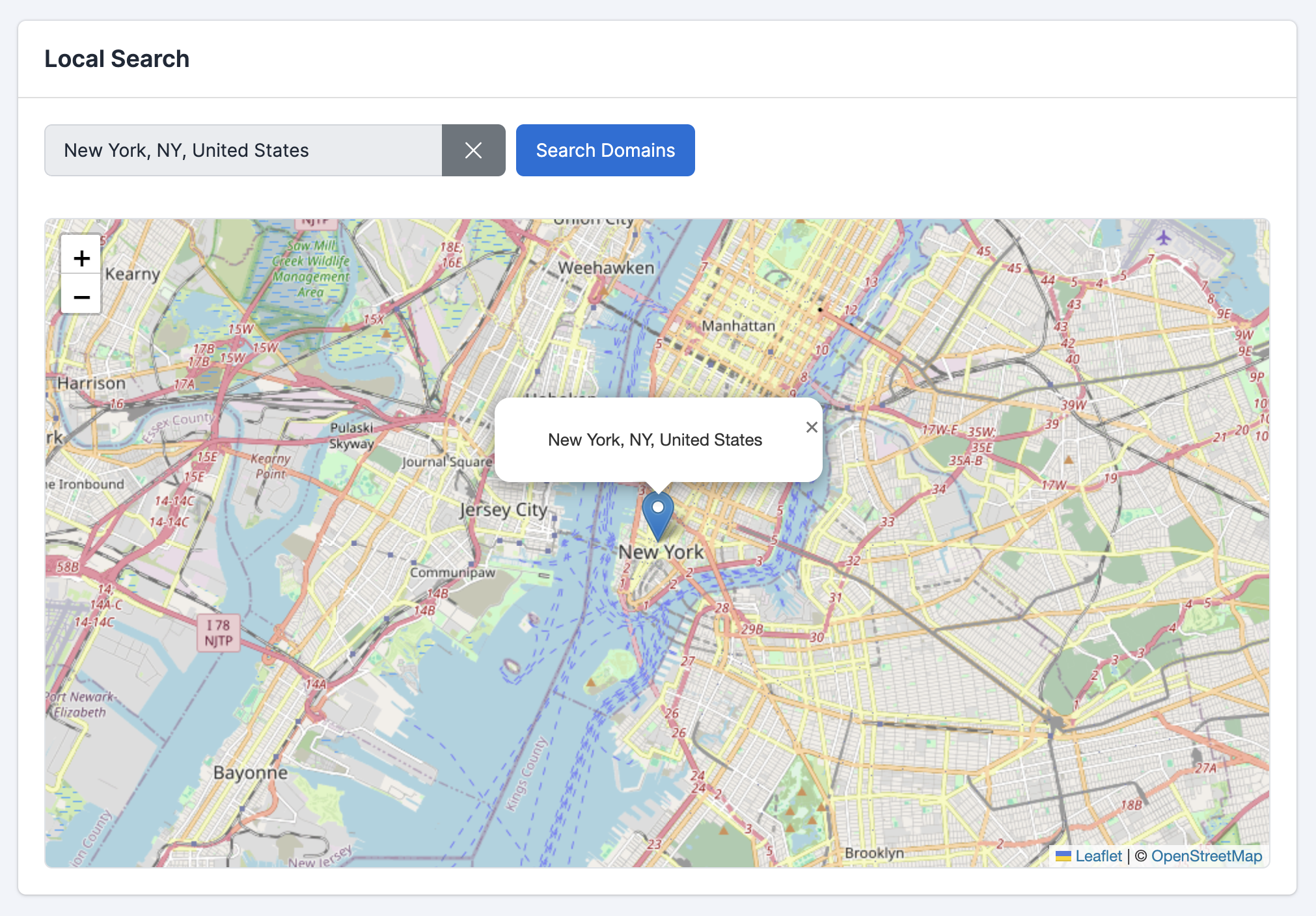
Type a city, town, or region (e.g.,
New York City).Select one of the autocomplete suggestions.
Click Search Domains. Local Search usually takes a bit longer than Magic Search because it expands your location into nearby regions, neighborhoods, and well-known local entities.
Review the results table and use filters to narrow down your shortlist.
Local Search results (and Tags)
After the search completes, you'll see the standard results table with the filters you already know (rating, spam quality, TLD/country, price, end time, etc.).
The key difference in Local Search is the Tags filter in the left panel.
What are Tags?
Tags are location-related entities detected in the result set. They let you quickly zoom in on specific local angles without having to run a new search.
Think of them as "what the results are actually about" for that location: neighborhoods, districts, landmarks, attractions, and other recognizable local terms that appear in the domains.
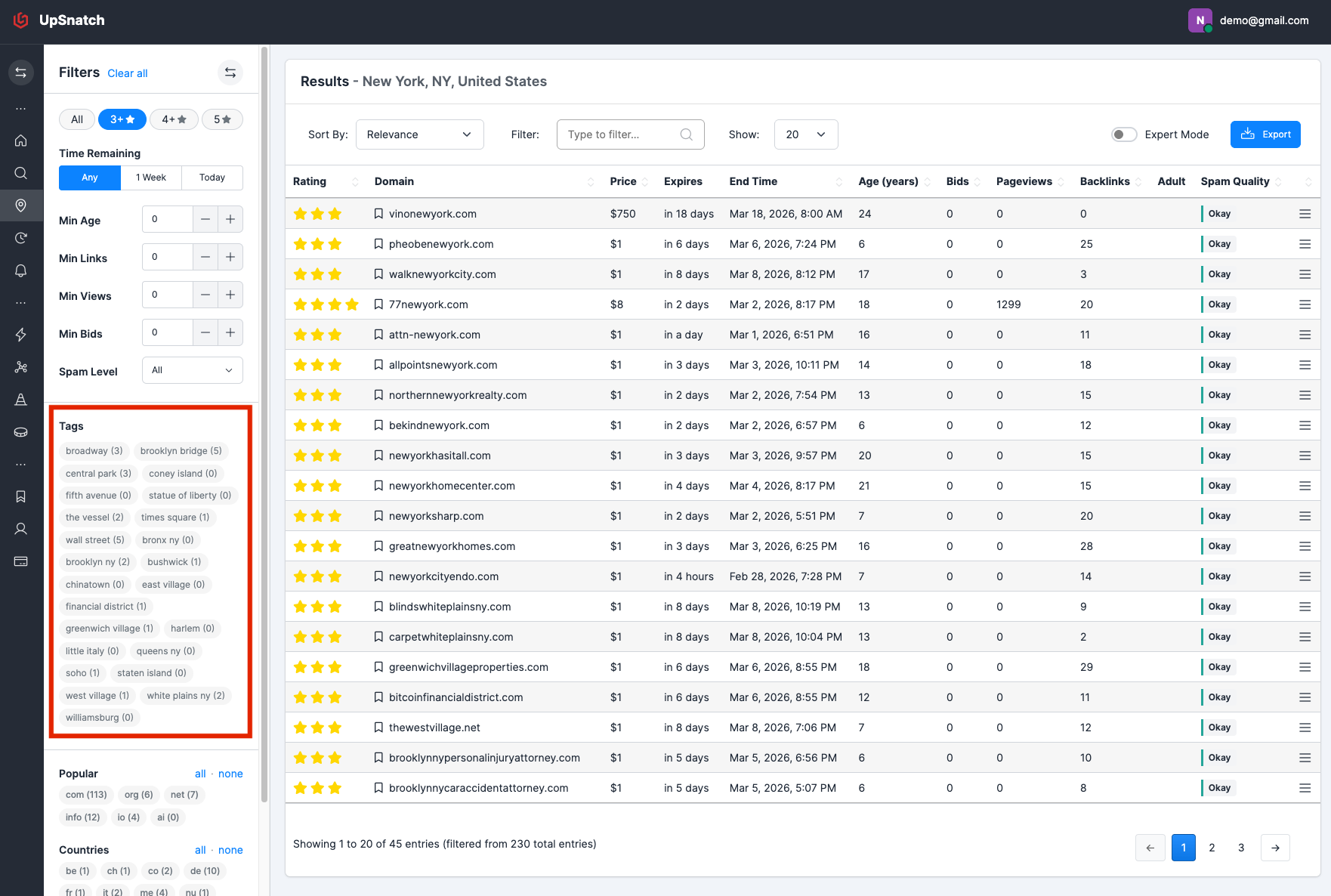
Example: New York City
If you search for New York City, you see tags for:
domains related to boroughs and neighborhoods like Queens, Brooklyn, Manhattan
specific entities such as Wall Street, Central Park, Brooklyn Bridge, Coney Island, or Statue of Liberty.
Clicking a tag instantly filters the list to domains that match that tag, so you can quickly see what domains are available for the brooklyn bridge or wall street.